Assistant
Use Assistant to ask about your project, inspect a failed run, or prepare a test change for review.
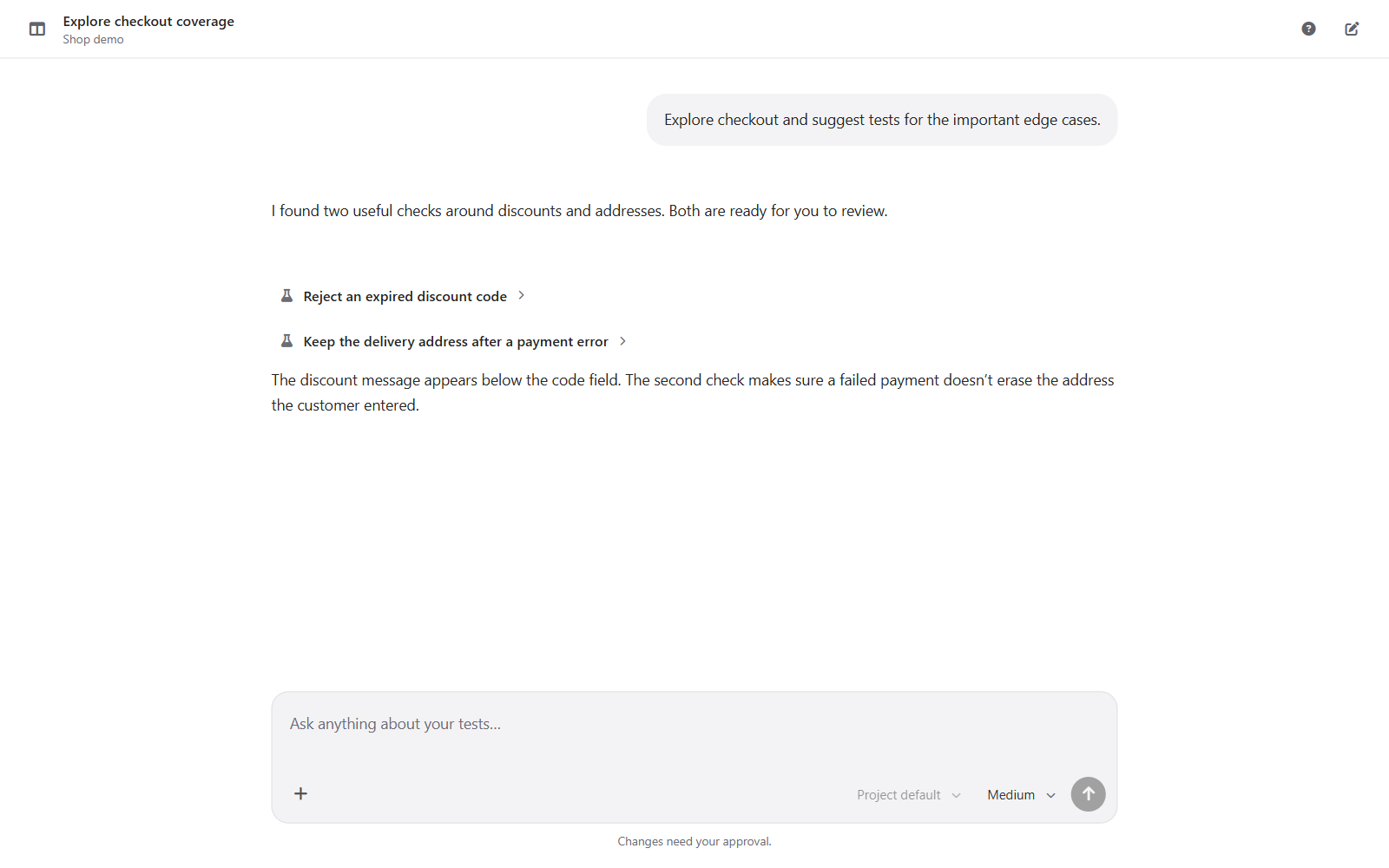
Enter a question and send it. When you open the Assistant from a test or run, that selection provides context for the conversation. A progress indicator shows when the Assistant is still working.
For a failed scenario, Debug with Assistant opens a conversation about that trace. Review the explanation and any proposed change before accepting it. A diagnosis does not mean the test has already been changed or re-run.
Use the stop control to interrupt a response. If the connection drops, reconnect and check the latest conversation state before sending the same request again.
Model availability depends on the installation and configured providers. Set project defaults in Settings → Assistant Model.
See Assistant and inspect failed steps.